
Transforming Employee Onboarding: The Benefits of Automated, AI-Powered Processes
- Eric Goldman

- Jan 19
- 4 min read
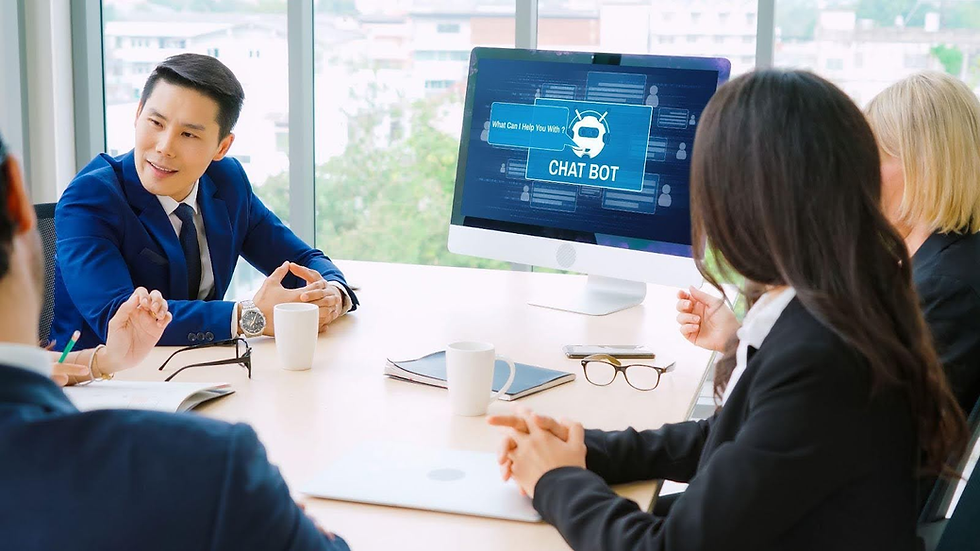
As an HR professional, you know that a great onboarding experience sets the tone for an employee's entire journey with your company.
The first few weeks often bring a whirlwind of paperwork, repetitive questions, and information overload for both new hires and your team.
You find yourself answering the same questions over and over: "Where do I find the benefits summary?" or "What's the policy on remote work?"
What if you could provide a consistent, engaging, and instant resource for every new employee? This is now possible by creating a custom AI tool, commonly referred to as a GPT for employee onboarding.
Think of it as a super-powered, interactive employee handbook, a 24/7 assistant that frees up your time while empowering new hires from day one.
This approach is a game-changer for streamlining employee onboarding with AI and creating a modern, efficient experience.
This guide will walk you through building one of these powerful AI-powered onboarding solutions, transforming your process and giving you back valuable time.
Your Interactive Employee Handbook
A custom GPT is a specialized chatbot trained exclusively on your company's internal documents and information.
Instead of searching the entire internet, it pulls answers directly from the knowledge base you provide. For HR professionals, this creates a secure, reliable tool for GPT-based new-hire orientation.
New employees can ask natural-language questions and receive immediate, accurate answers based on official company policy.
This method offers a far more engaging and personalized onboarding with GPT technology than handing someone a stack of PDFs or a link to a crowded intranet page.
It makes information accessible and less intimidating, helping new team members feel confident and supported.
Building Your GPT's Knowledge Base

The power of your custom GPT lies in the quality of the information you feed it. To create a comprehensive resource, you need to gather all the essential documents a new hire might need.
Your goal is to build a centralized library that covers everything from company culture to logistical details.
Start by collecting documents such as:
Company Policies: Your complete employee handbook, code of conduct, remote work policies, and data security guidelines.
Benefits Information: PDFs of health insurance summaries, retirement plan details, and wellness program descriptions.
Practical Guides: IT setup instructions, guides for using internal software, and office maps or directories.
HR & Payroll Forms: Documents related to direct deposit, tax forms, and expense reimbursement procedures.
Company Culture Docs: Your mission, vision, and values statements, as well as information about team structure and key contacts.
By uploading these files, you are building the "brain" for your custom GPT for HR processes. It will use this information exclusively to answer employee questions.
Guiding the Conversation with Starters
To make your GPT even more user-friendly, you can configure "Conversation Starters." These are pre-set prompts that new hires can click to get instant answers to the most common first-week questions.
This simple feature is incredibly effective for guiding employees and showcasing the tool's capabilities.
Consider setting up starters like:
"What are my health insurance options?"
"How do I set up my email signature?"
"Summarize the company's vacation policy."
"Who should I contact for IT support?"
These prompts eliminate guesswork and immediately demonstrate the GPT's value. It helps new hires get oriented quickly and reduces the number of basic emails and messages sent to the HR team.
This is a core feature that makes these AI tools for internal training so effective.
The Importance of Keeping Your GPT Current

A custom GPT is not a "set it and forget it" tool. Company policies, benefits, and procedures evolve. To ensure your onboarding assistant remains a trusted resource, you must commit to regularly updating its knowledge base.
Establish a simple process for maintenance. Whenever a policy is updated or a new benefits summary is released, make it a habit to upload the latest document to your GPT's knowledge base and remove the old one.
This ensures every employee receives consistent, accurate, and up-to-date information. An outdated GPT is worse than no GPT at all, as it can lead to confusion and misinformation.
This diligence is key to achieving scalable, long-term onboarding with custom AI you can rely on.
Unlock Effortless Onboarding with a Local Advantage
What sets AI Growth Advisors apart? We specialize in designing custom GPT solutions that are not only powerful but also tailored to fit your unique company culture and workflow.
Our team brings local expertise and hands-on support, ensuring seamless integration with your current HR processes from day one.
With us, you’re never handed generic software and left on your own, instead, you get a trusted partner committed to your onboarding success.
Ready to transform your onboarding process and give your team back valuable time? Let’s build an employee experience that sets the gold standard in your industry.
Contact Us Today and discover how effortless and impactful onboarding can be with a custom GPT!
Source:


